Video meetings and team chat inside your own website — camera, screen sharing and chat in the browser, with no separate meeting service to sign up to.
Features:
- Video & Audio Meetings
Camera and microphone in the browser on computers, tablets and phones, with nothing to install. Best for meetings of up to 6 people. - Screen Sharing
Share your screen or a single window to walk people through documents, designs or reports. - Meeting Chat
Send messages and links alongside the video. The chat stays available until the last person leaves. - Rooms for Your Team or Your Clients
Rooms for signed-in members only, or open to anyone with the link, with an optional room password. - One-Click Invite Link
Copy the meeting link with one click and send it by email or message. - Runs on Your Own Website
Add a meeting room to any page of your WordPress website. Your team joins with the accounts they already have. - Private by Design
Audio and video travel directly between participants’ browsers, encrypted. Your website only passes short connection messages. - Works on Strict Networks
Optional relay support, including Cloudflare’s relay service, so people on strict office or mobile networks can still connect.
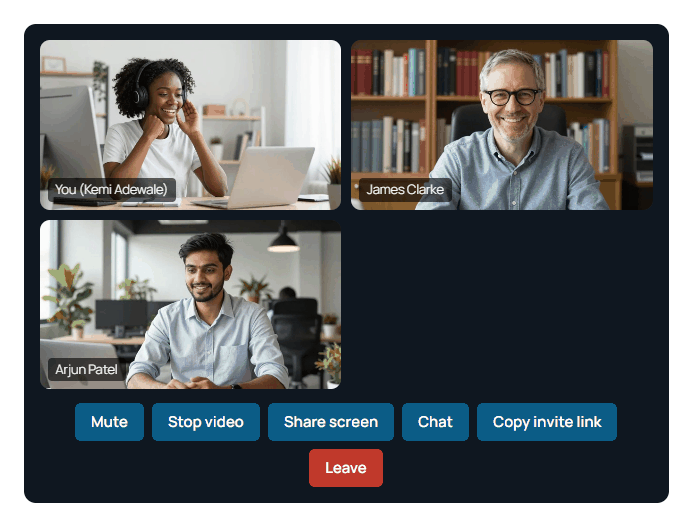
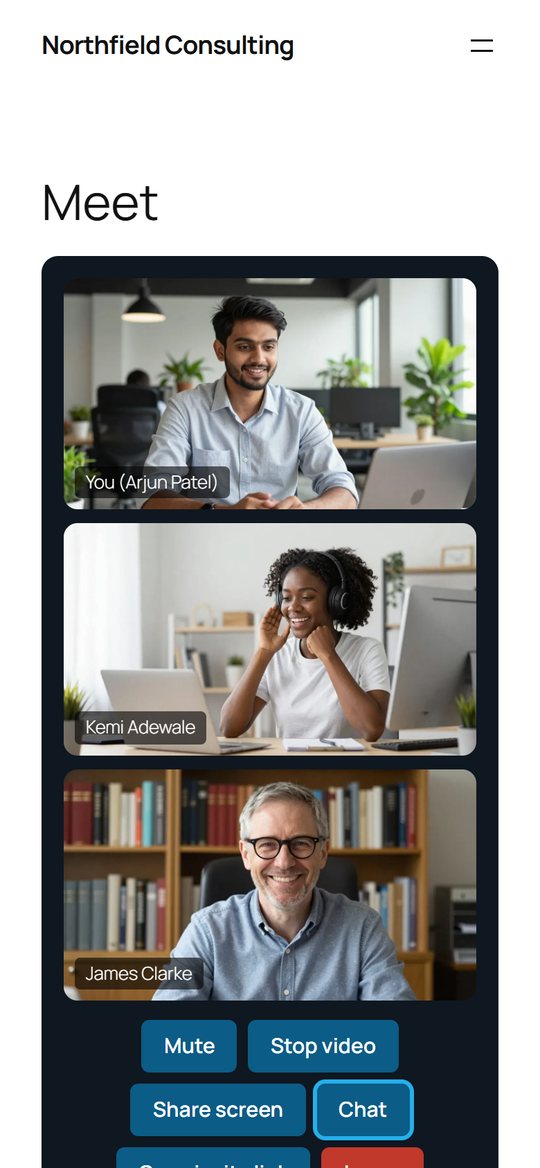
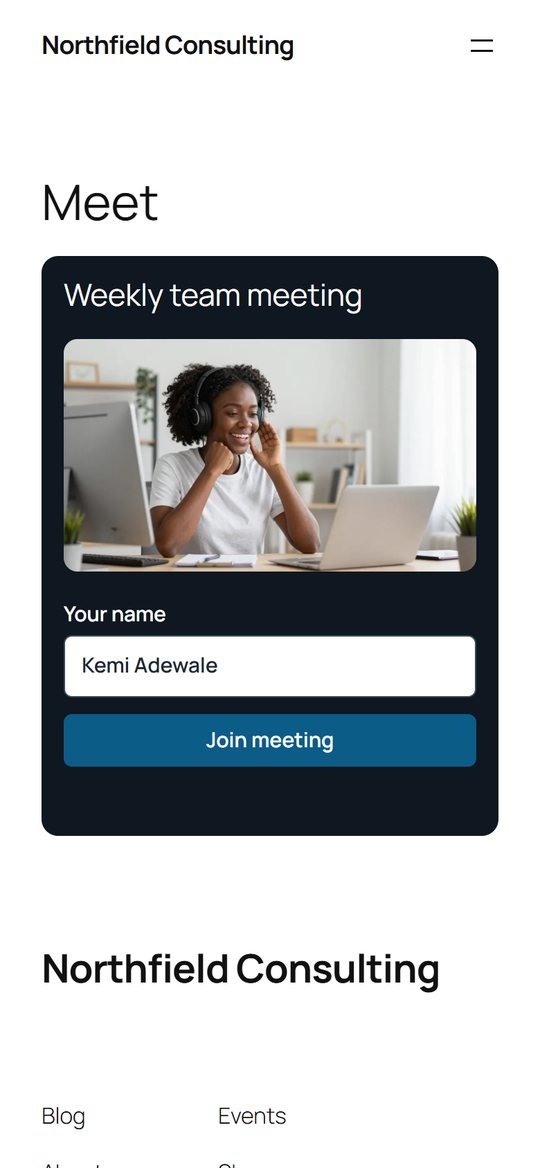
Built for teams that meet every day
Whether it is a morning stand-up, a client walkthrough or a quick catch-up with a supplier, MoxMeet puts the meeting room on your own website, under your own name, without asking anyone to download an app or create another account.
Your meetings, on your website
Most meeting tools send your team and your clients to someone else’s platform. MoxMeet keeps the meeting on your own website, so your clients see your brand, your team uses the login they already have, and the video goes straight between the people in the call.
Choose the modules you need
MoxMeet is modular. Pick the modules that match how your team works, and we set it up, and your demo, around them. Add more whenever you are ready.
Video & Audio Meetings
Camera, microphone and up to 6 people per meeting, in the browser.
Screen Sharing
Share a screen or a window during the call.
Meeting Chat
Messages and links alongside the video.
Client & Guest Rooms
Rooms open to anyone with the link, with an optional password.
Meeting Recording
Record meetings and keep the recordings with your other files.
Larger Meetings
Meetings, webinars and training sessions for bigger groups.
Waiting Room
Guests wait until the host lets them in.
Scheduling & Calendar Invites
Book meetings and send calendar invitations with the link.
Breakout Rooms
Split a meeting into smaller groups and bring everyone back.
Background Blur
Blur or replace the background behind each person.
Whiteboard
Sketch and plan together during the call.
Live Captions & AI Notes
Captions during the call and a written summary afterwards.
Your Branding
Your logo and colours on the meeting room.
Hosted for You
We run MoxMeet for you, so you do not need your own website.
Mobile App
Join meetings from an app on iPhone and Android.
Integrations
Connect calendars, your CRM or time tracking.
See it in action
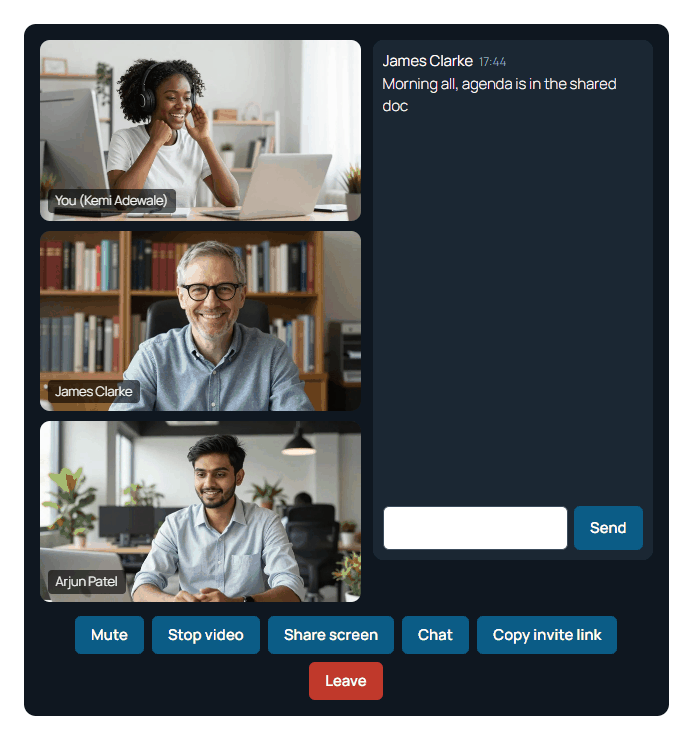
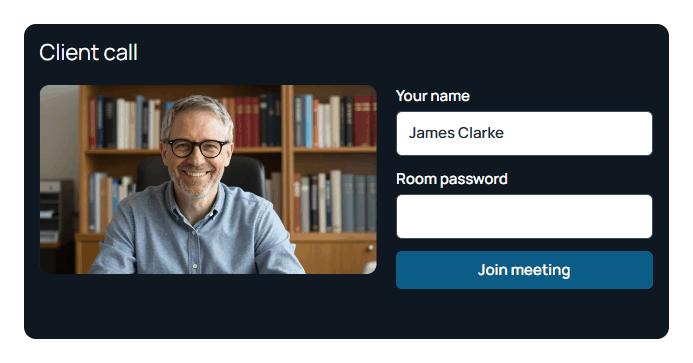
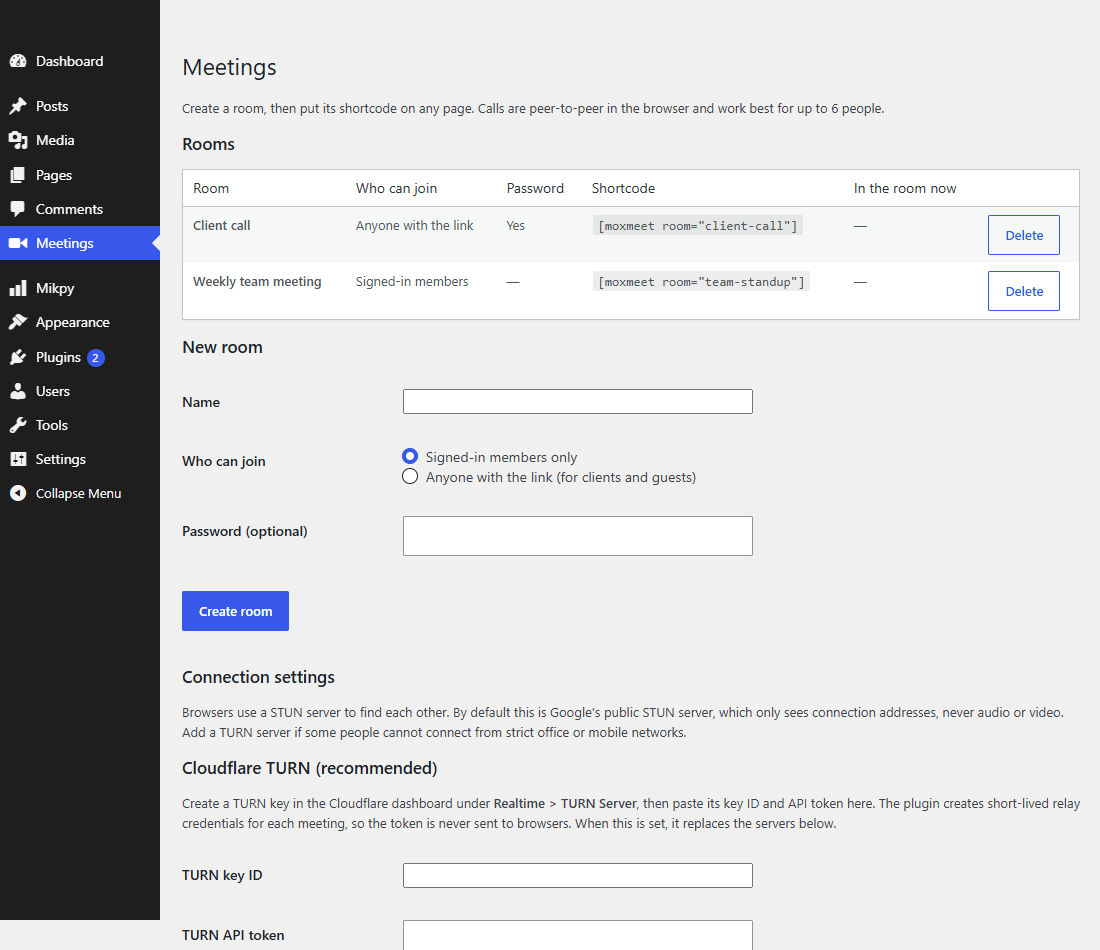
On every screen
MoxMeet works in the browser on computers, tablets and phones, so your team can use it wherever they are.
Frequently asked questions
Quick answers to what people ask us most about MoxMeet. Can’t see yours? Get in touch.
The basics
What is MoxMeet?
Do people need to install anything?
How many people can join a meeting?
Do I need a WordPress website?
Meetings
Can I share my screen?
Can clients join without an account?
Is there a chat?
How do I invite people?
Privacy and connections
Where do our audio and video go?
What if someone cannot connect?
Who can join a meeting?
Getting started
How does getting started work?
How much does it cost?
Ready to see MoxMeet?
Tell us about your team and the modules you need, and we’ll set up a demo of MoxMeet built around how you work.